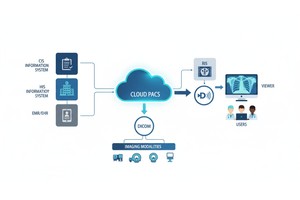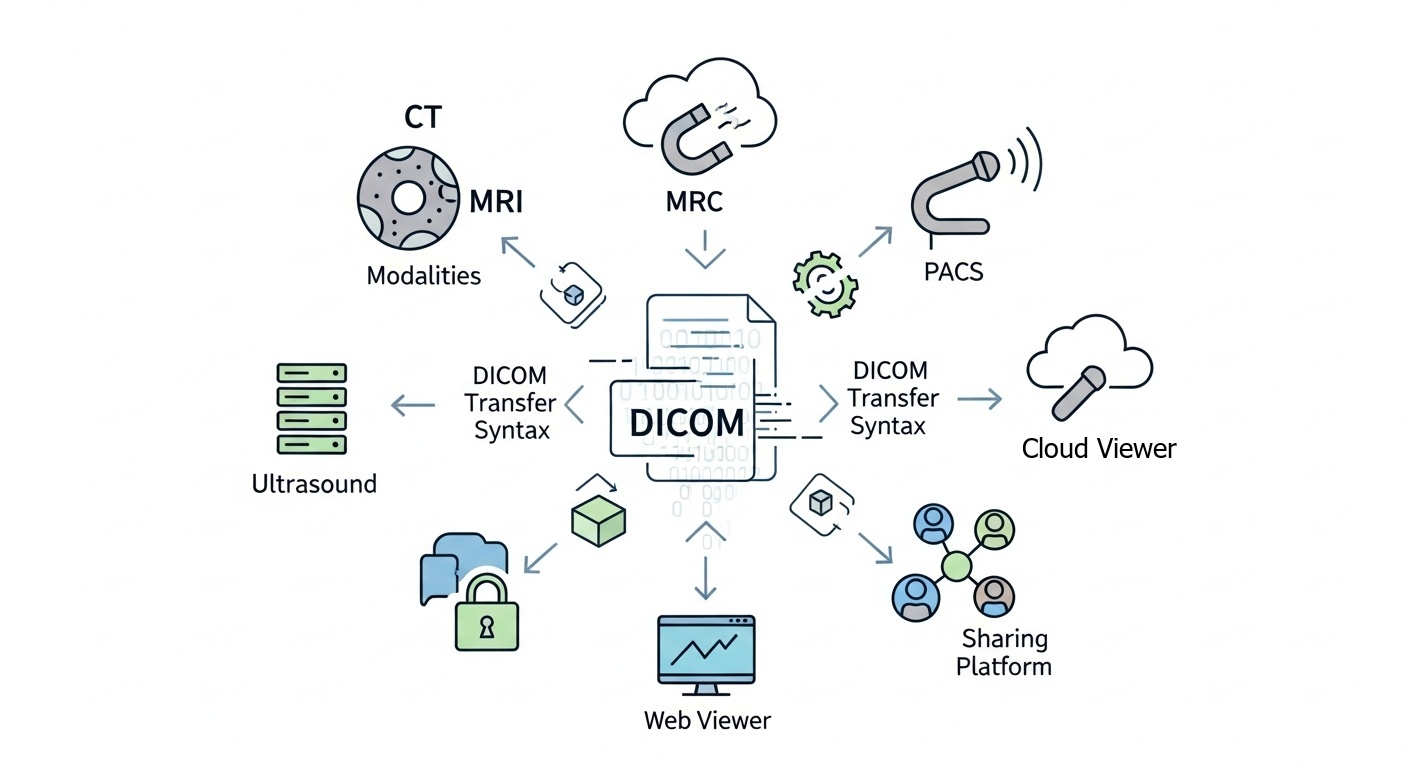
Medical imaging systems must be able to understand the format of the DICOM images to store, transmit, and display them. A modality, a CT or MRI, ultrasound, or imaging study, can be transferred from a modality to a modality PACS, a cloud archive, a web viewer, and a sharing platform. As part of that process, one technical detail is important: DICOM Transfer Syntax.
Transfer syntax can impact the way data in images is encoded, whether the image is compressed, and whether the system can open and display the image properly. When it comes to web-based DICOM viewing and collaboration, it directly affects compatibility, performance, storage, and image-sharing workflows.
The DICOM Transfer Syntax specifies how DICOM data is encoded when it is stored or transmitted. Describes to a PACS, workstation, cloud platform, or DICOM viewer how to read the image data, including the format of compression, Value Representation, and the order of the bytes.
Transfer Syntax is an answer to the question: Can this system correctly decode and display this DICOM image?
If a system does not support the transfer syntax used in a file, the image might not open, might require conversion, or might need to be retrieved from another system that supports the transfer syntax.
DICOM Transfer Syntax is a collection of rules for the encoding of DICOM objects when they are transferred between systems. These rules specify the method by which the data set is written and the method by which the receiving system should interpret it.
A DICOM object typically contains:
• Patient, Study, Series, Modality, And Technical Information (metadata)
• The Data In The Image (pixel Data)
Transfer Syntax is used to inform the receiving software how to decode that information. That's why it's important for PACS, diagnostic viewers, cloud platforms, image archives, and secure sharing workflows.
For instance, you can have two DICOM files, both containing CT images: one uncompressed and the other using a compressed transfer syntax. Viewers have to display the image correctly, and this requires the correct syntax.
There are DICOM Transfer Syntaxes, each assigned an identifier known as a Transfer Syntax UID. This UID specifies exactly how the data was encoded.
For instance, the UIDs can mean uncompressed, JPEG Lossless, JPEG 2000, or another compressed format. The UID assists the viewer, PACS or cloud system to select an appropriate decoding scheme.
This info can be viewed by technical users via DICOM metadata. PostDICOM provides an image metadata viewer for technical metadata (including DICOM tags), which may be useful for examining image attributes or troubleshooting compatibility problems.
The choice of transfer syntax varies according to the imaging system, storage policy, compression requirements, and viewer compatibility.
| Transfer Syntax Type | What It Means | Common Use |
| Implicit VR Little Endian | A widely supported default DICOM encoding format | Routine image exchange and broad compatibility |
| Explicit VR Little Endian | Clearly defines value representation in the dataset | Common in modern DICOM systems |
| Lossless compressed syntax | Reduces file size without removing image data | Storage and transmission when image fidelity must be preserved |
| Lossy compressed syntax | Reduces file size by permanently removing some data | Selected workflows, depending on clinical use, policy, and requirements |
| Retired or legacy syntax | Older formats that may have limited support | Legacy archives or older imaging systems |
An implementer of a viewer needs to support the transfer syntax of a DICOM file. If it doesn't, the picture will not be displayed or may need to be converted to display.
This is particularly critical when viewed over the web, as images could be streamed from cloud storage, opened in a web browser, or shared with anyone outside the original facility. A DICOM viewer that is compatible should be able to provide different workflows for practical use and should support standard DICOM image formats.
Transfer Syntax may impact:
• Determines If The Image Opens Properly
• The Time It Takes For The Image To Load
• Indicates Whether Compression Is Allowed
• The Amount Of Storage Needed To Store The Image
• Efficiency Of Sharing And Retrieving The File
One of the most useful components of DICOM Transfer Syntax is compression. Medical images may be large, particularly multi-slice CT or MRI studies and other high-volume studies. Compression can be used to decrease storage and transfer requirements, but the compression type is relevant.
| Type | Main Benefit | Important Consideration |
| Uncompressed | Easier compatibility and straightforward decoding | Larger file size |
| Lossless compression | Smaller files without image data loss | Viewer and PACS must support the syntax |
| Lossy compression | Much smaller files | Should be used carefully based on clinical purpose, image type, and organizational policy |
When every image is needed, and its data cannot be lost, lossless compression is frequently used. In certain instances, lossy compression might be appropriate, but it should not be assumed to be appropriate for all clinical workflows. This will depend on the use, policy, and requirements.
 - Created by PostDICOM.jpg)
The traditional imaging workflow includes studies being acquired by the modalities and saved into the PACS. Such studies can then be accessed in modern workflows via cloud platforms, through a browser-based viewer, or via secure sharing links.
Reliable storage, retrieval, and display of DICOM images are crucial for a cloud PACS environment. Transfer syntax is important because the platform needs to know what encoding method that the image is using to see if it can be converted, decoded, or rendered to be viewed.
For web-based DICOM workflows, the transfer syntax can affect:
• Uploading Studies To Cloud Storage
• Retrieving Images From Pacs Or Archives
• Displaying Studies In A Browser
• Sharing Studies With Referring Physicians
• Reducing Storage And Bandwidth Use
• Supporting Remote Collaboration
Transfer syntax is a viable consideration for radiology departments, imaging centers, hospitals, and healthcare IT teams.
DICOMweb enables the storing, searching, and retrieval of DICOM data via web services within medical imaging systems. It's helpful for cloud systems, browsing, integration, and imaging workflows through API.
Images retrieved via DICOMweb services can be returned as original DICOM, a rendered image, or information in a supported format. Transfer syntax compatibility may affect the retrieval and display processes.
For instance, when a DICOM object is stored in a compressed syntax, the receiving viewer or application must either handle the compression or receive the image in a syntax compatible with it.
One possible explanation for a DICOM file not opening in a viewer is the transfer syntax that was used. This can occur when files are passed in with newer or less popular compression methods.
Uploading, downloading, or sharing large uncompressed DICOM studies may take longer. The use of a transfer syntax that is compressed can be used to reduce file size, but the receiving system must be capable of decoding the compressed transfer syntax.
Compatibility is a key factor when the images are shared with referring Physicians, patients, or external teams. A secure medical image sharing workflow can make it much easier for users to access studies without relying on CDs, local software or manual file transfers.
Reliable decoding, retrieval, and display are required for cloud and web-based workflows. Transfer syntax support aids the assessment of the possibility of a smooth view across the various devices and locations.
Other use cases for considering transfer syntax include choosing viewers, migrating to PACS, managing a cloud archive, or planning a workflow for sharing images.
Useful practices include:
• Determine The Transfer Syntaxes Your Pacs And Viewers Support
• Ensure That Their Routine Exchanges Are Done In Widely Accepted Formats
• Prefer Lossless Compression When Image Data Preservation Is Required
• Only Use Lossy Compression When It Is Necessary For Workflow And Policy
• Test Retrieval/access Prior To Large-scale Migration
• Check Dicom Metadata When Dealing With Compatibility Issues
There is no goal of using one syntax in all scenarios. The aim is to select formats which meet the organization's clinical, technical, storage, and collaboration requirements.
DICOM Transfer Syntax specifies the method by which DICOM data is encoded for storage and/or transfer. It specifies the format for reading the data (byte order, data value representation, compression type).
The Transfer Syntax UID is a unique identifier that indicates the encoding format of a DICOM file. It assists PACS systems, viewers, and other applications in deciding how to interpret the image data.
The transfer syntax of a DICOM file should be supported by the DICOM viewer. Otherwise, the image will not open, show up, or need to be converted into a supported format.
Lossless compression incurs a small loss of image data but preserves all information. Lossy compression discards some data, thus reducing file size at the cost of discarding information. Use of lossy compression is dependent upon the type of image, clinical purpose, and policy.
Yes. Transfer syntax may impact size, upload time, compatibility, and the ability to open the study. This is particularly relevant for external collaboration workflows, web viewers, and cloud platforms.
DICOM Transfer Syntax is a technical concept, but it has a direct impact on daily imaging workflows. It specifies the format of the DICOM data (encoding and decoding), transmission and decoding, storage, and display.
When sharing DICOM images over the Internet or using a web-based DICOM viewer, transfer syntax will influence compatibility, compression, load time, cloud storage, and sharing. Familiarity with it enables healthcare organizations to minimize image-viewing issues and facilitate seamless image sharing across PACS, the cloud, and online viewers.
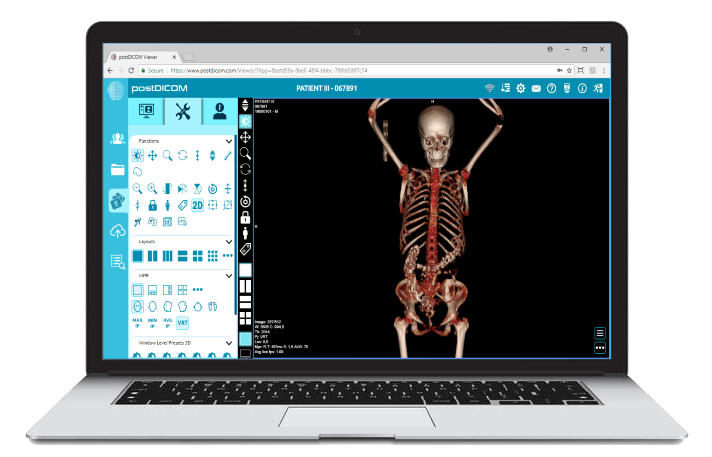
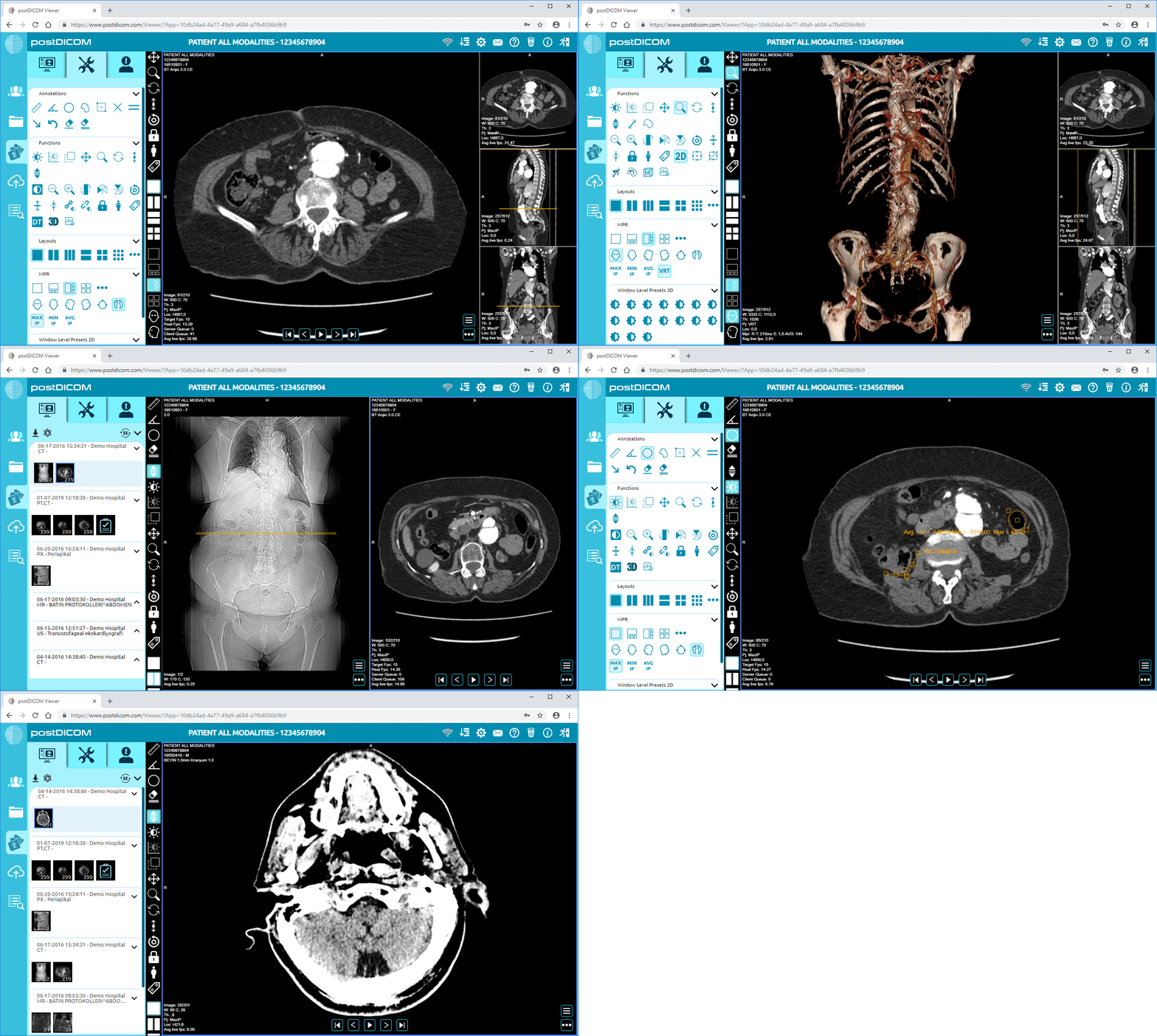
|
Cloud PACS and Online DICOM ViewerUpload DICOM images and clinical documents to PostDICOM servers. Store, view, collaborate, and share your medical imaging files. |